
Tutorials
How to create an algorithm
You develop your algorithm and package it as a Docker Container for upload. You can find a template and more information in our TopAneu-26 Repository.
Common Pitfalls
- Execution Time: Containers have a maximum execution time of 12 Minutes, if this time is exceeded your algorithm will be killed and considered failed.
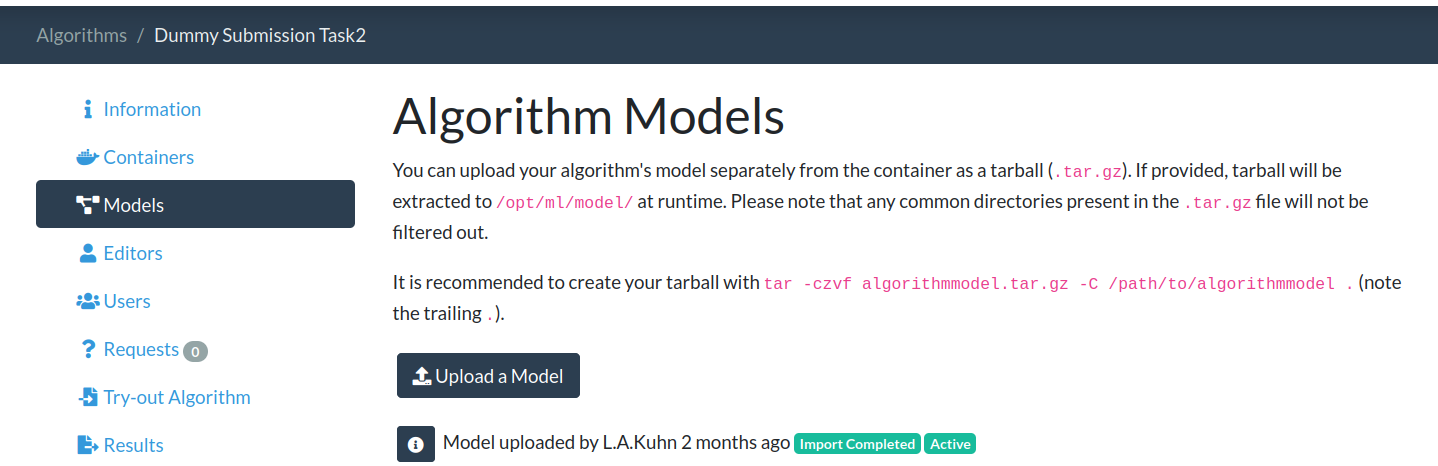
- Image Size: Your container image can at most be 10GB. To save on size you can upload your model weights seperately:
- Ressources: Your container has limited resources available, you have to configure these ressources yourself (see below for a quick tutorial):
- GPU: Nvidia T4, 16 GB VRAM
- DRAM: Max 32 GB (1GB is reserved for GC operations, so 31 GB for your algorithm)
How to adjust algorithm settings
-
Go to your algorithm page and click "Update Settings"

-
On the settings page scroll down to "Job requires *"
-
To increase memory change the number in the "Job requires memory gb*" fields. You can request up to 32 GB of memory.

-
To select a GPU select one from the dropdown menu in the "Job requires gpu type" field.

Last updated 04 Sep 2026